Under Templates › PDF appearance you adjust how your documents look.
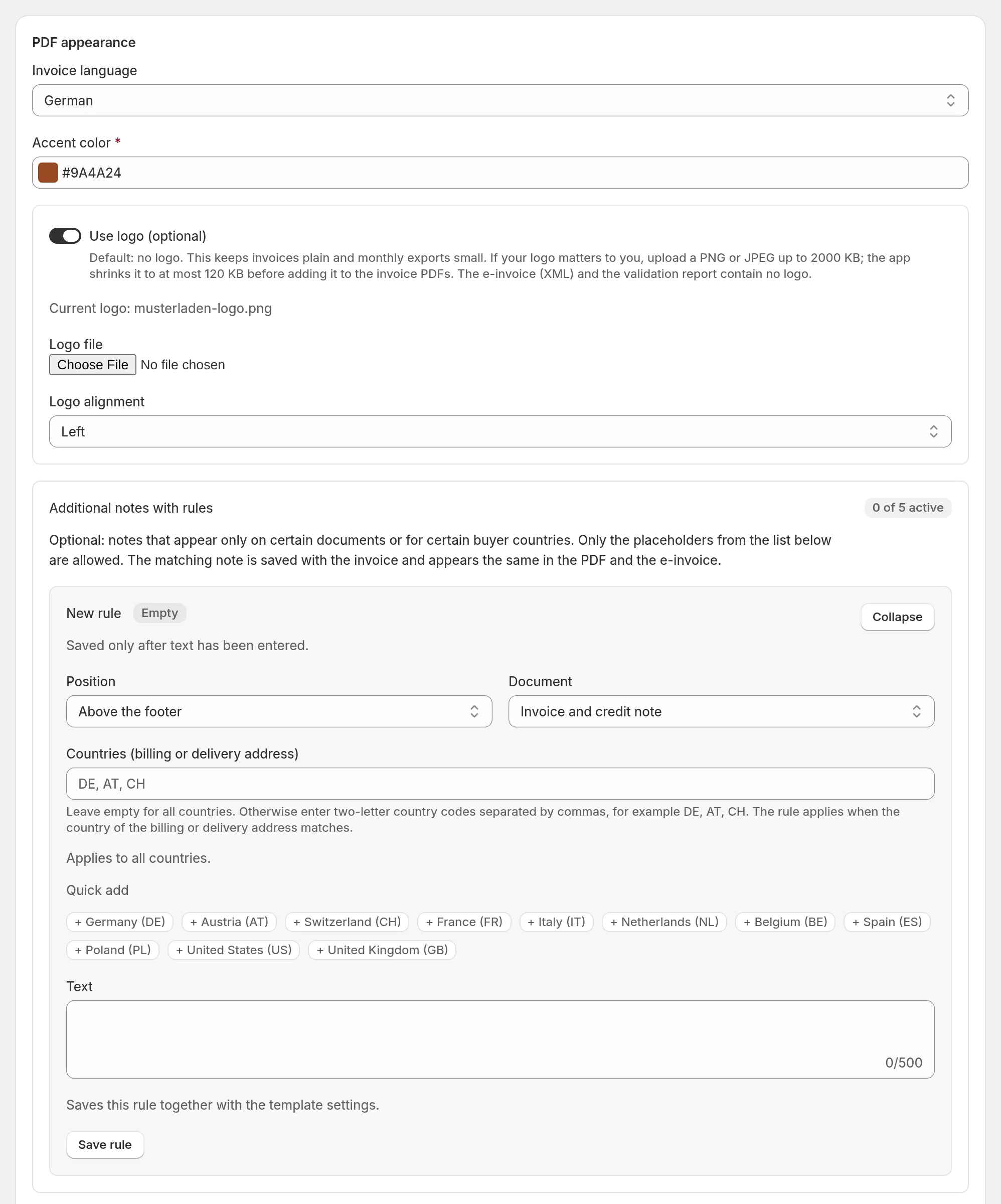
Language, color, logo
- Invoice language: German, English, French, Italian, Dutch or Spanish. The language covers the fixed labels on the document; your own texts and product names are not translated.
- Language per document: Always the invoice language above (default) or Language of the order (else the invoice language above). With the second option, every customer gets invoice and credit note in the language they ordered in, if it is one of the six document languages. The language is stored with the document; the credit note follows its invoice.
- Accent color for headings.
- Use logo (optional): PNG or JPEG up to 2 MB; the app shrinks it to at most 120 KB before it goes into the PDFs. Without a logo, invoices stay plain and exports small. The e-invoice (XML) and the validation report contain no logo.
Line items, discounts, payment method
- Line item display: title only, title and SKU, title and variant, or title, variant and SKU.
- Show used discounts (default: on): discount codes and names below the total.
- Show payment method (default: on): the payment method from Shopify, without card details.
Additional notes with rules
Up to five notes that appear only on certain documents:
- Document: invoice and credit note, invoice only or credit note only,
- Countries (billing or delivery address): for example
AT, CH; empty = all countries, - Position: above the lines or above the footer.
Only the placeholders listed on the page are allowed in the texts.