What every final document contains
Every final invoice and credit note is a PDF/A-3 file with embedded EN 16931 e-invoice XML – by default ZUGFeRD/Factur-X in the EN 16931 profile. With the XRechnung option, orders with a Leitweg-ID get an XRechnung 3.0 instead (see below). People read the PDF, accounting software reads the XML. Both come from the same checked data.
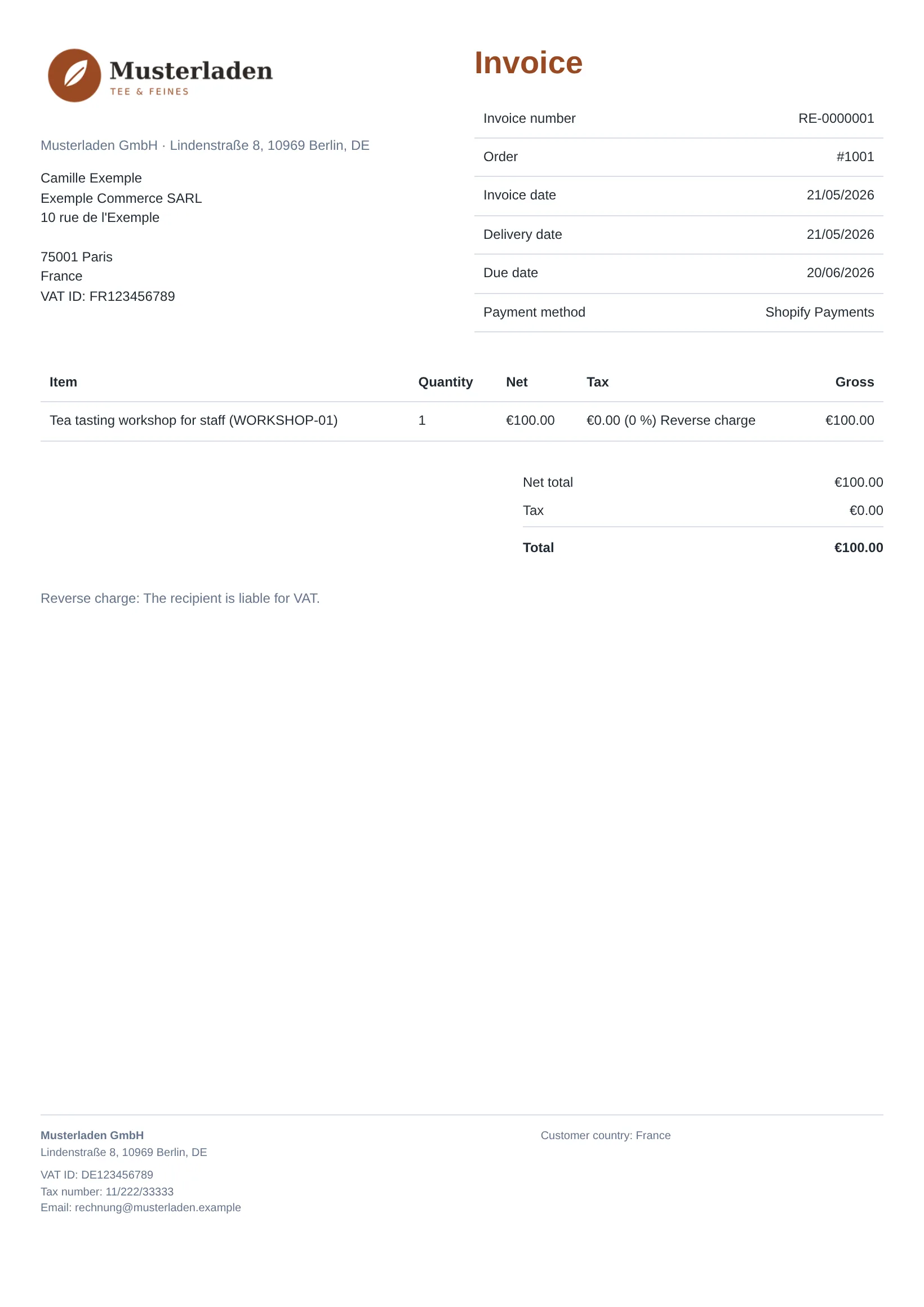
Technical validation before release
Before a document counts as finished, the app checks it technically: whether the XML matches the EN 16931 profile and its business rules, whether the PDF/A-3 is valid and whether the XML is embedded correctly. It stores the result as a validation report for every document. Only then do customers get the invoice link.
The validation report confirms format and business rules – not that every tax fact is right. VAT rates come from Shopify; you are responsible for the tax treatment.
The preview is not an e-invoice yet
The PDF preview under Invoices is a plain PDF without an invoice number and without embedded XML. It is only for checking.
XRechnung for public buyers (optional)
Public authorities and public bodies in Germany usually require an XRechnung with their Leitweg-ID (routing ID). If you switch on XRechnung for orders with a Leitweg-ID under Settings › XRechnung for public buyers, the app creates an XRechnung 3.0 (CII syntax) instead of the ZUGFeRD XML for every order with a Leitweg-ID – embedded in the PDF and as a separate XML file. Credit notes for such an invoice are XRechnung as well. All other documents stay ZUGFeRD/Factur-X in the EN 16931 profile. The switch is off by default.
- Leitweg-ID: the app reads it from the order’s additional details, for example from a checkout field or entered by hand in the Shopify admin. Field names such as “Leitweg-ID” are common; if your shop uses another name, enter it in the settings.
- Required details: contact person, phone, the support email and your VAT ID or tax number, plus the authority’s complete address (also below the small-amount limit). If something is missing or the Leitweg-ID is invalid, the app stops before an invoice number is assigned and shows you the reason.
- Validation: the app validates the XRechnung technically before release as well.
- Submitting: you upload the XRechnung to the authority’s invoice portal yourself, for example ZRE or OZG-RE. There is no Peppol sending.
Formats the app does not offer
- no UBL,
- no delivery via Peppol.
For most Shopify merchants, ZUGFeRD in the EN 16931 profile is enough because it is a structured format under the European standard. If a customer explicitly requires Peppol, you need another tool for that. More on our blog: ZUGFeRD or XRechnung?